Photo styles for iPhone.Give a familiar picture a new feeling.
A travel portrait, a favorite building or a small everyday moment can take on a different mood. ImageJump Photo Studio applies six local photo styles to a picture you take or import. Compare real examples below, then see how to make and save your own styled pictures.
Swipe to compare six photo effects
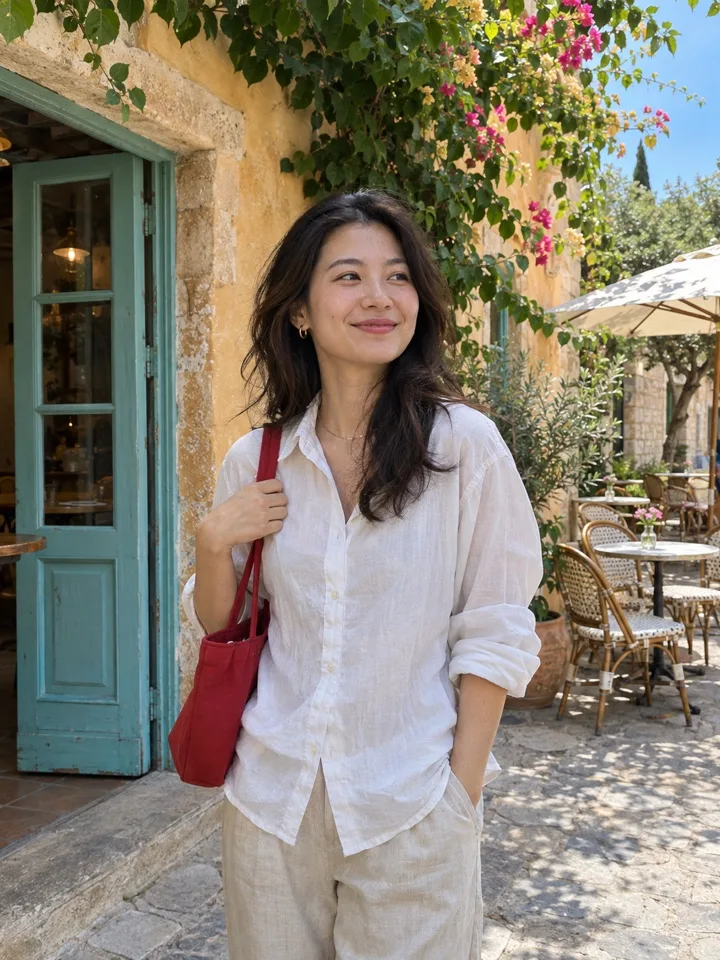

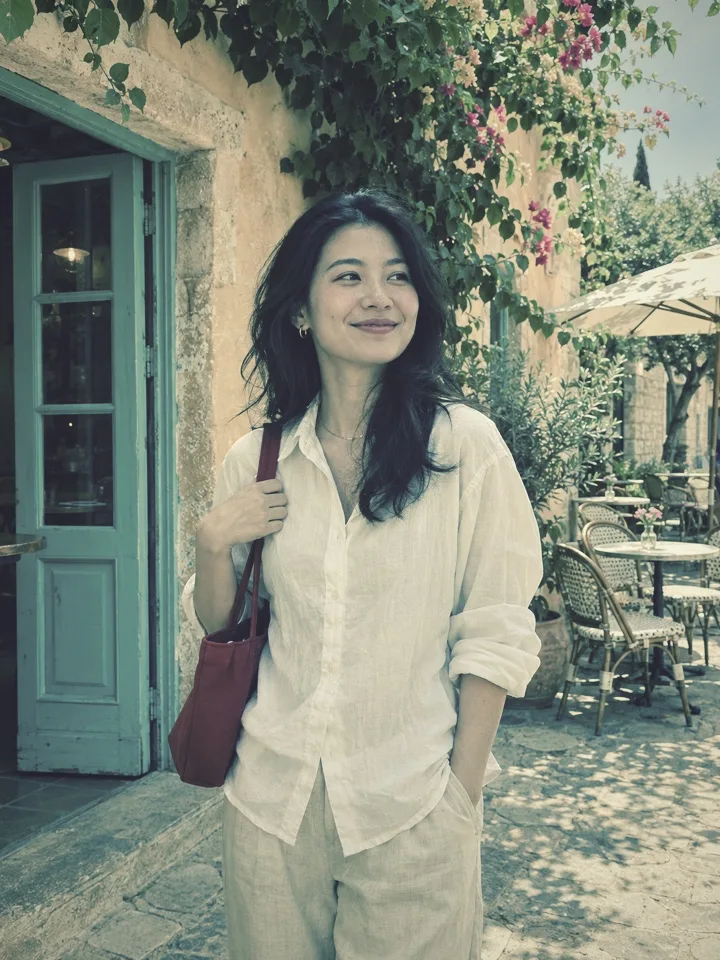
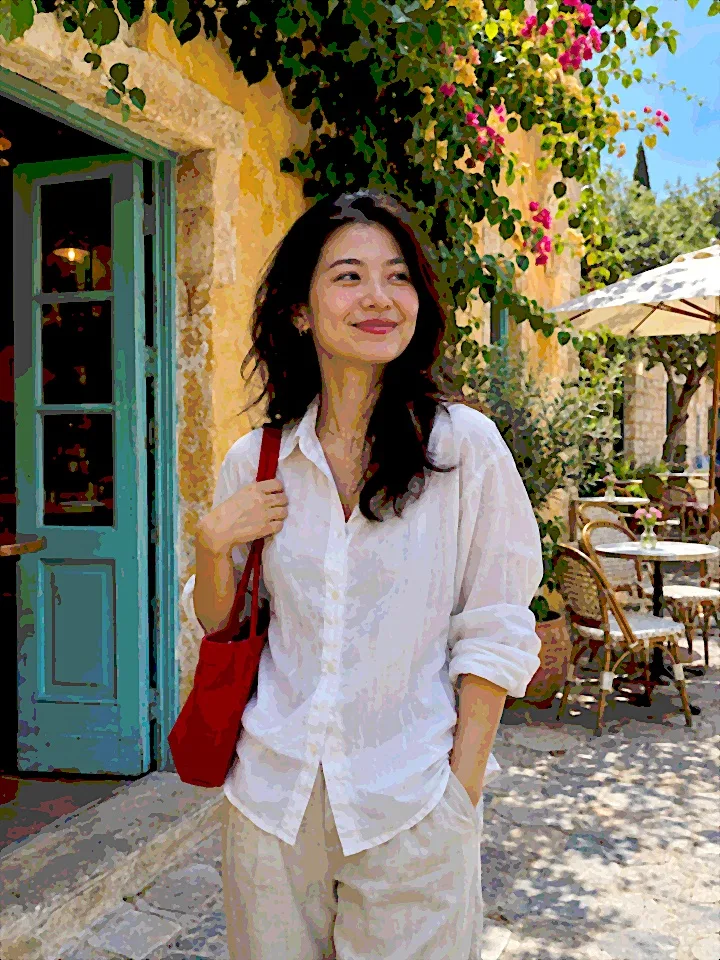
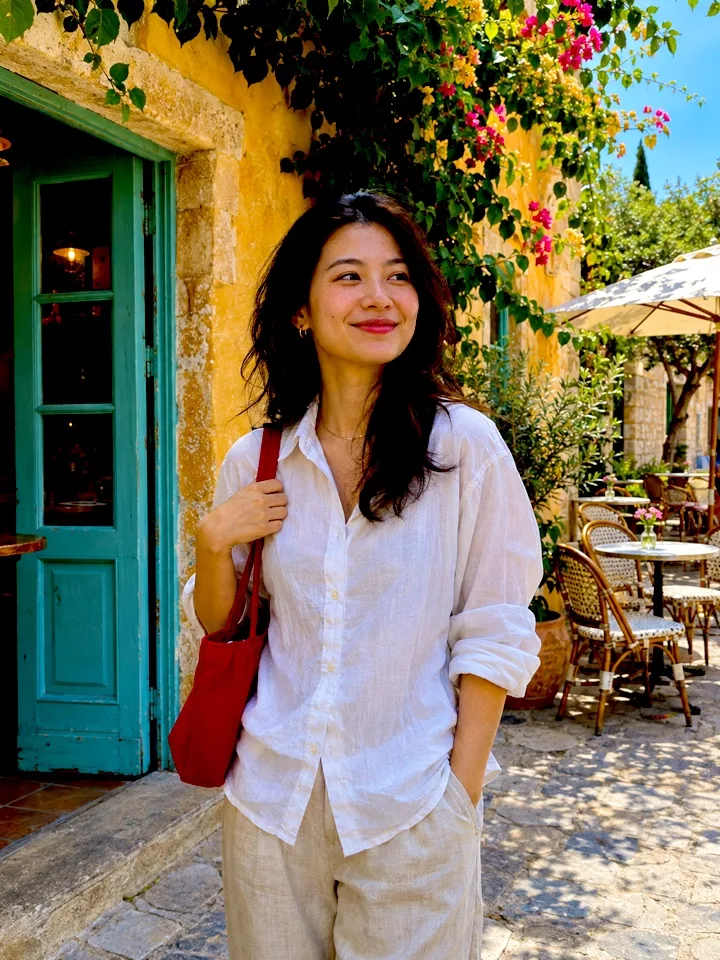
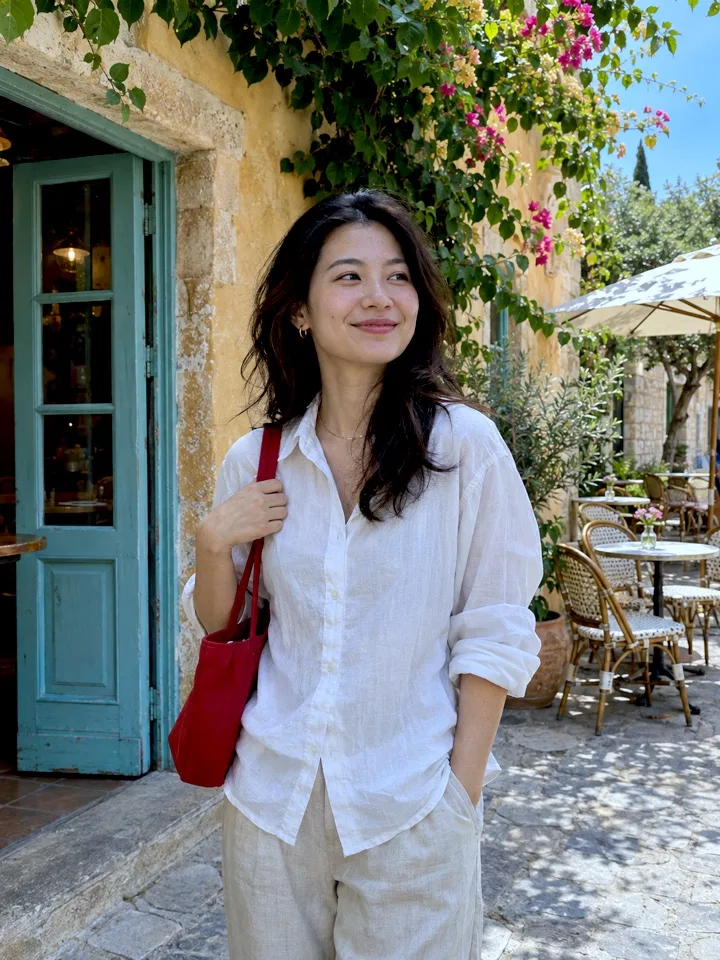
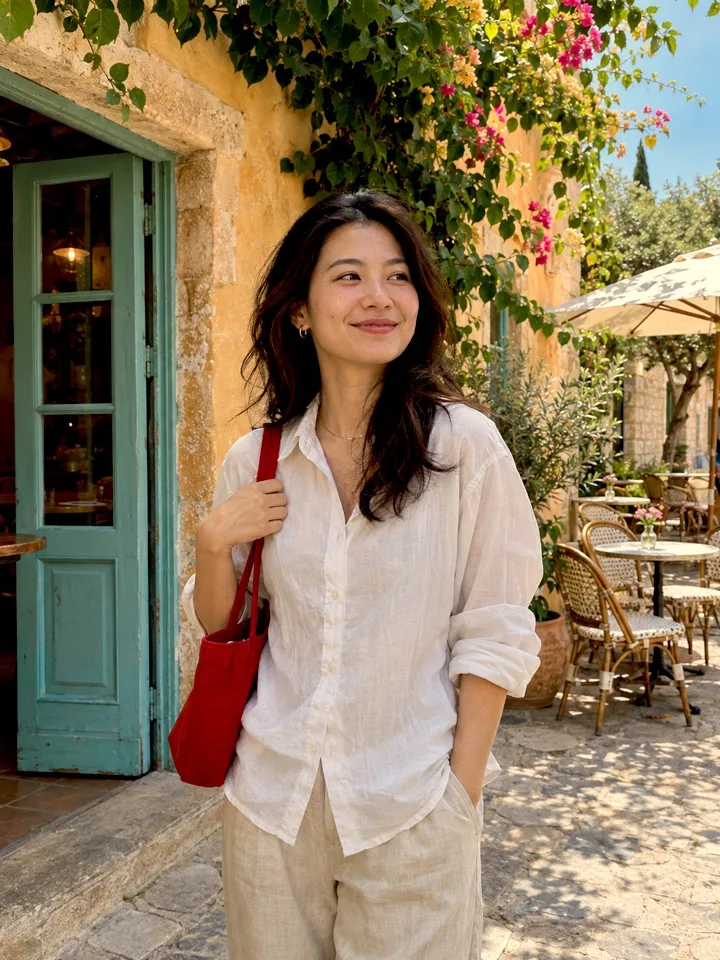
AI-generated sample photo processed with ImageJump’s actual local photo effects. The style effects use on-device processing, not AI redrawing.
One photo. Twelve ways to reimagine it.
From impasto and watercolor to collage and sculpted relief. Swipe the bottom selector in the app and choose up to three styles.
Style and layout references, not current app-generated results. All 12 are in the app selector; AI generation requires an active service. These are separate from the six on-device filters.
Auto-playing. Swipe to explore.
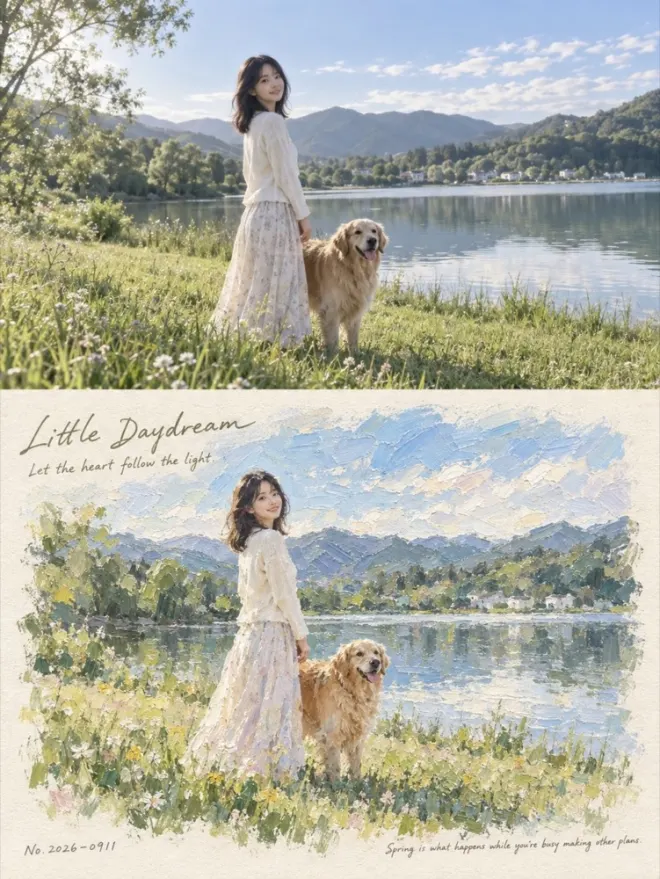
01Impressionist impasto 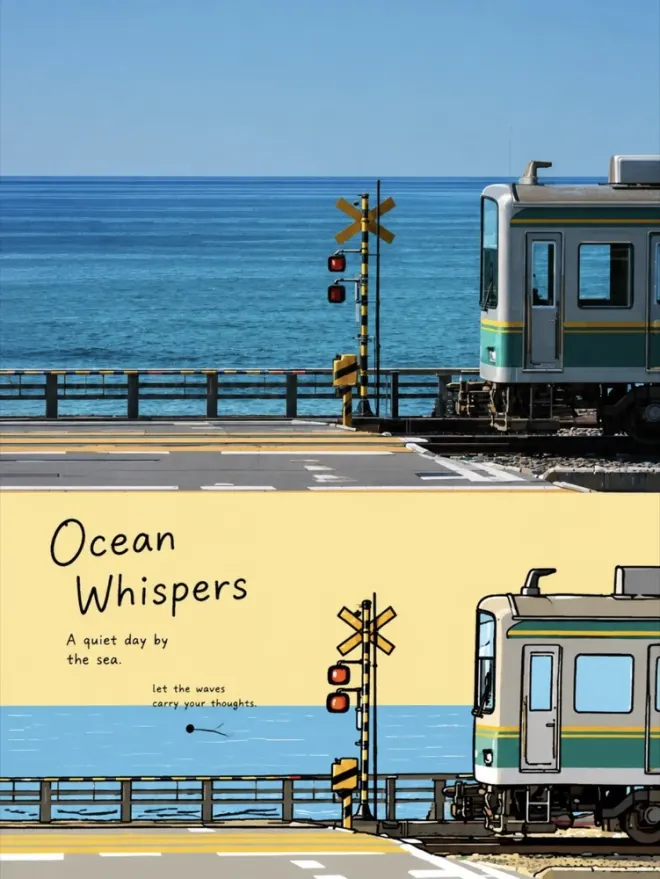
02Korean flat illustration 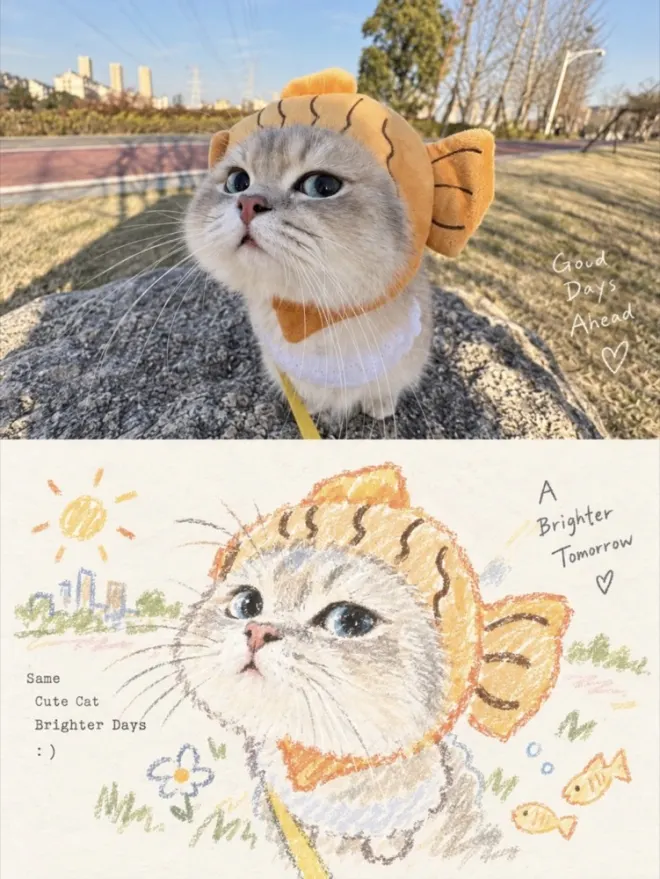
03Pastel crayon 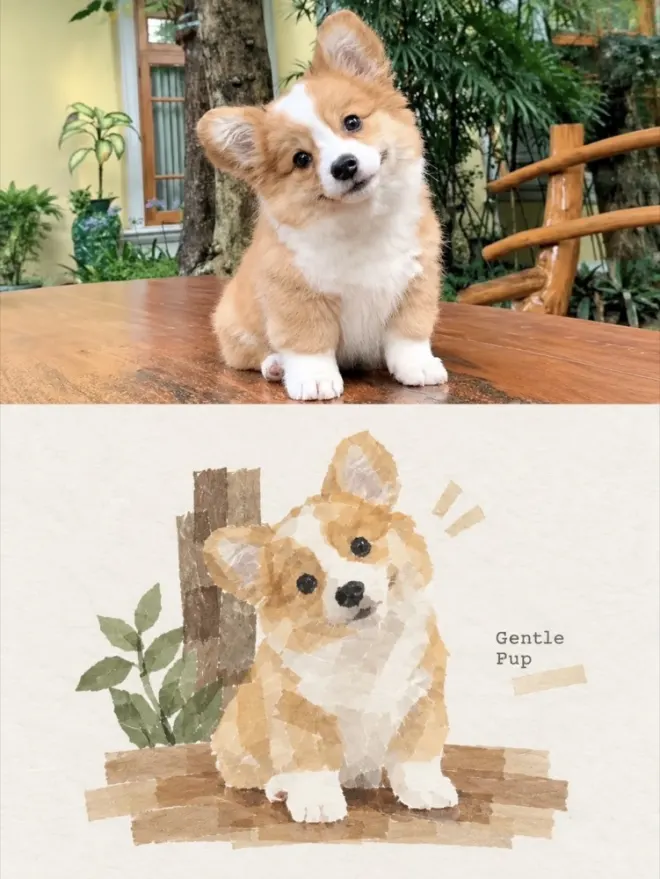
04Washi tape collage 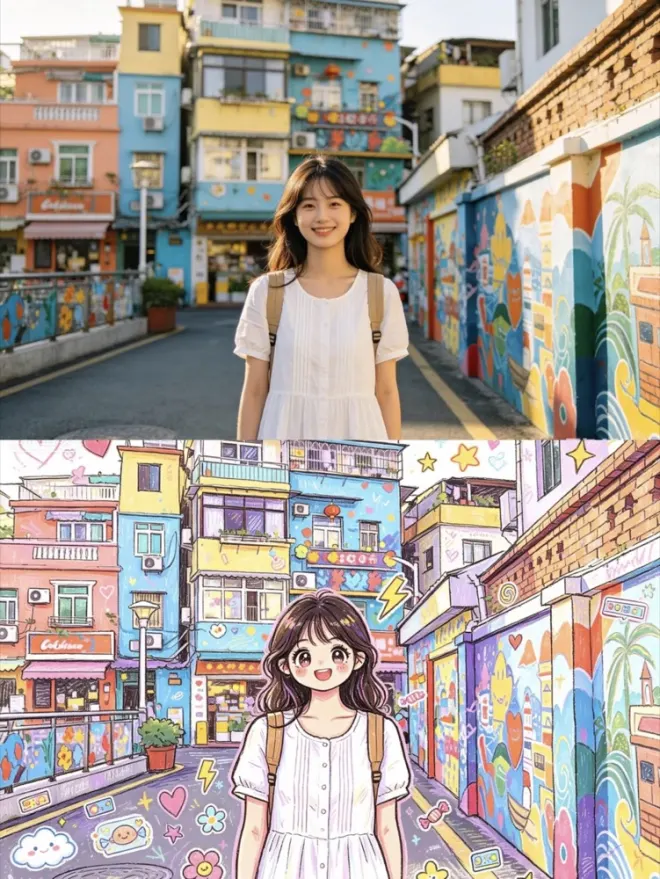
05Playful doodle 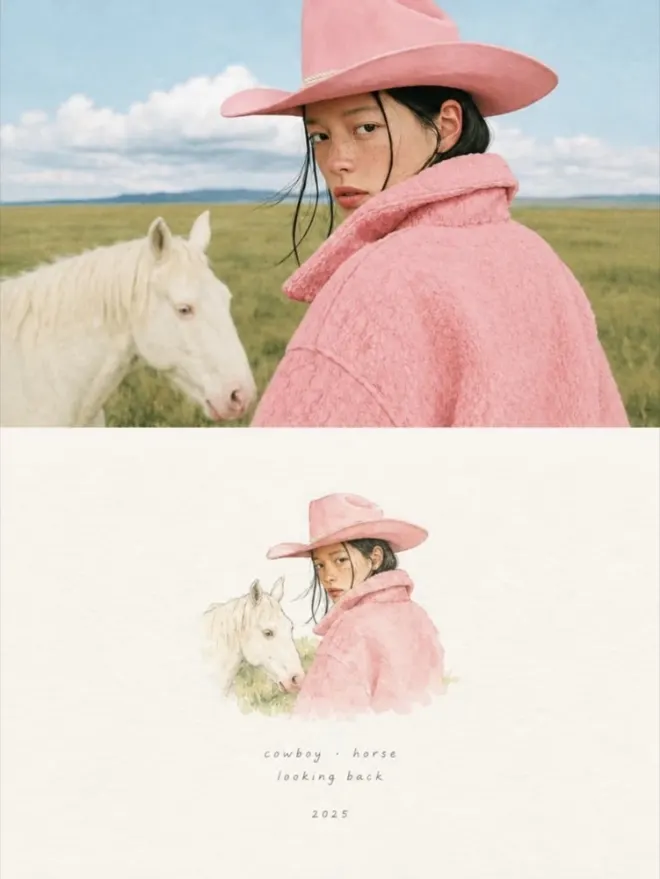
06Japanese watercolor card 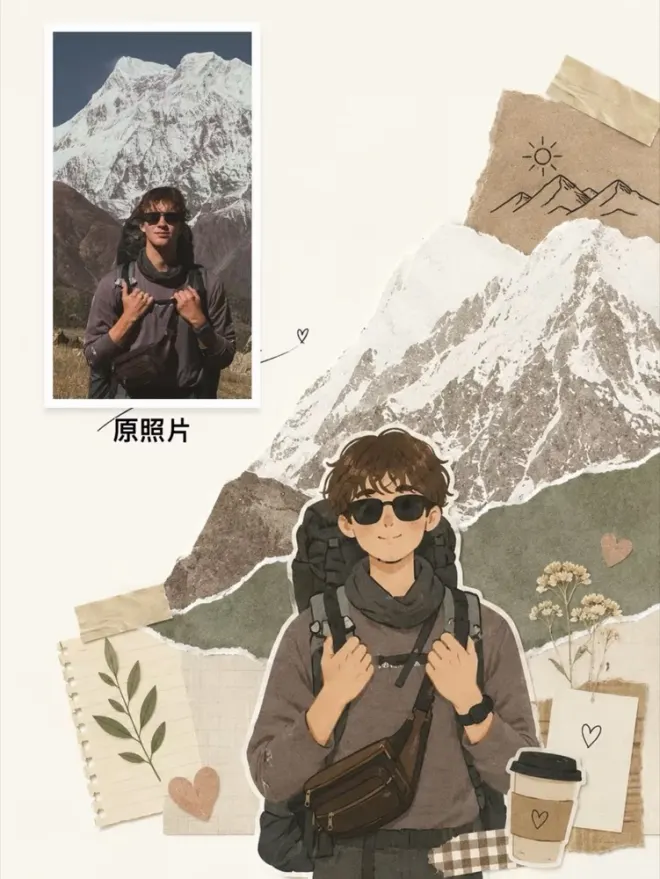
07Magazine collage 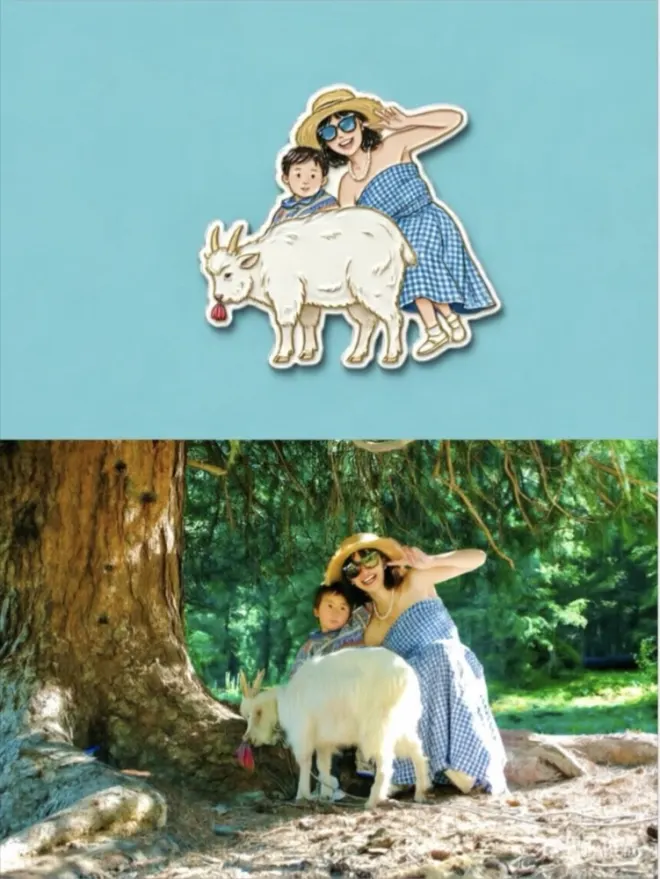
08Sculpted fridge magnet 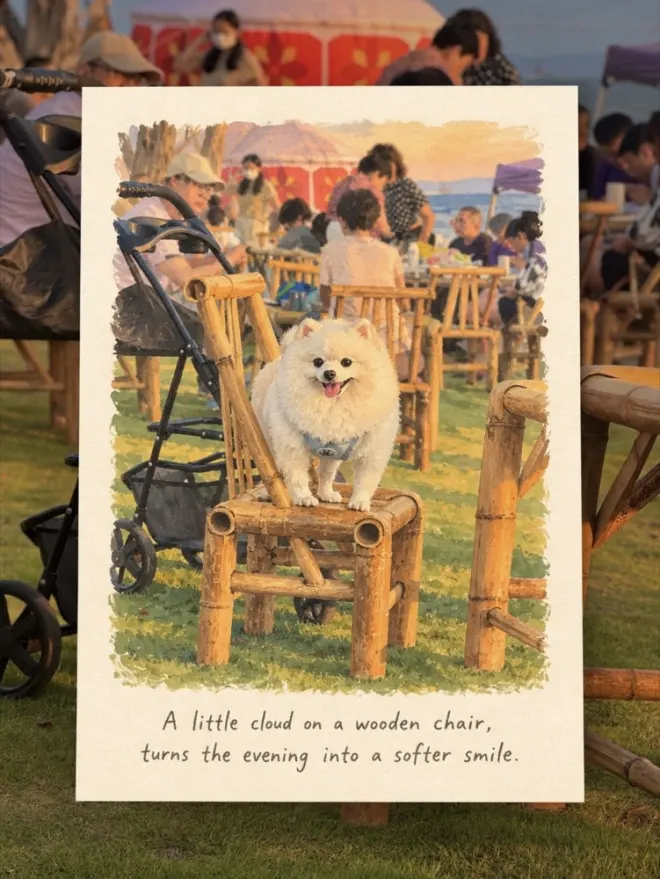
09Hand-drawn travel card 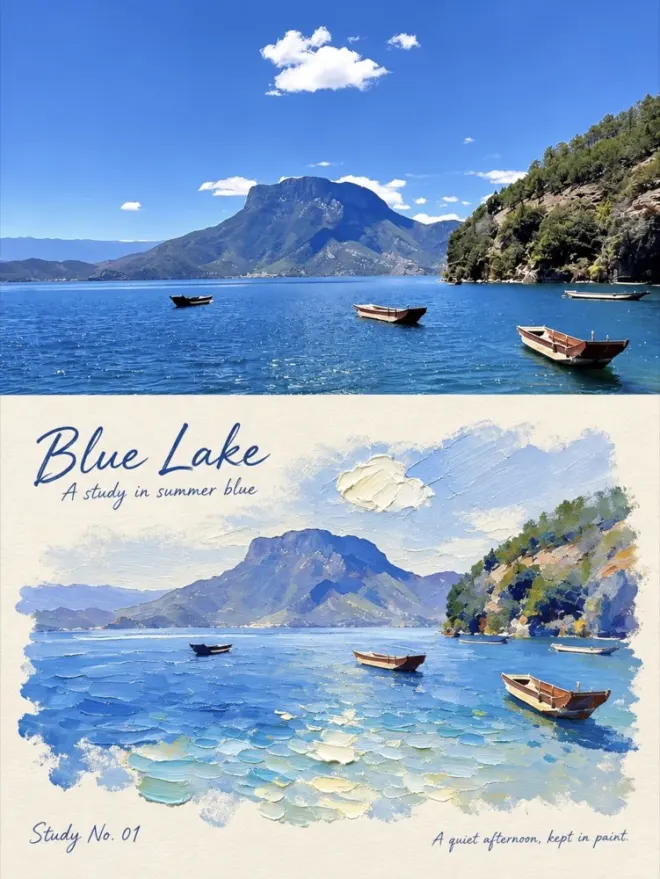
10Palette knife impasto 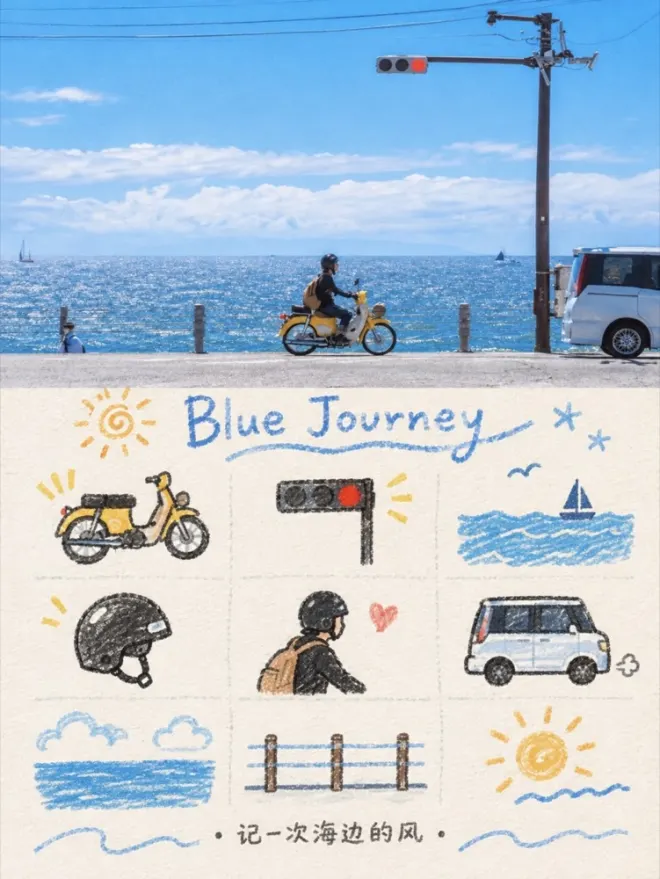
11Nine-frame memory doodle 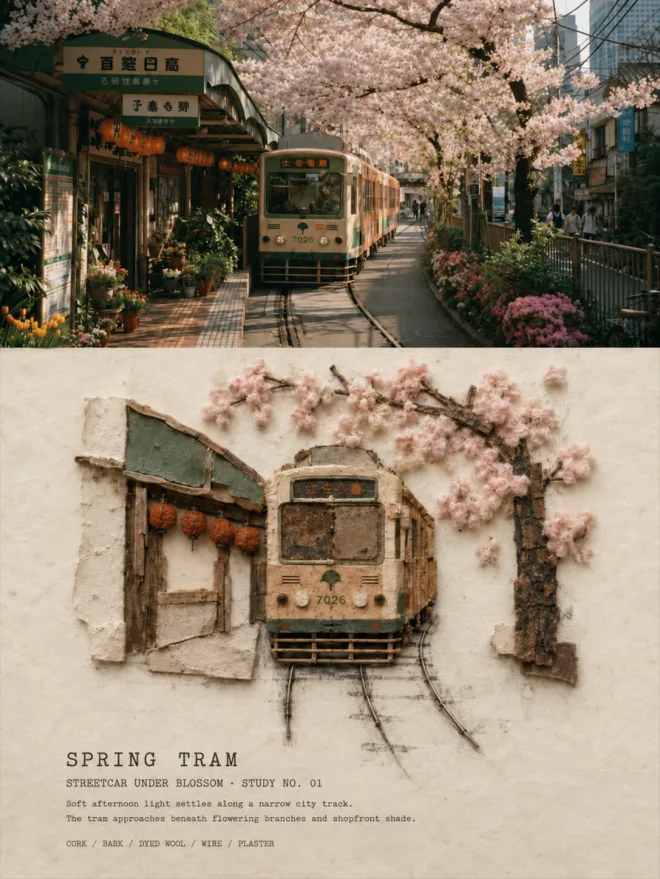
12Vintage architectural relief
From your photo to a new look.
Take a photo or import one.
Open Photo Studio after signing in with Apple. Use its camera or choose a single photo from your library. Your source photo is not overwritten.
Pick up to three styles.
Try watercolor feel, vintage postcard, oil-paint feel, comic color, architectural edges or line sketch. Preview each completed result separately before choosing what to keep.
Save the result your way.
Save or share each styled picture. You can also export a 3:4 comparison with the full original above the styled version. Save the results before leaving the editor.
Photo effects, processed on your iPhone.
The six local styles change the colors, edges and texture of your existing picture on the device. They do not redraw the subject with generative AI and do not require a photo upload. Optional AI art generation is a separate feature in development and is not yet available.
Photo styles and video filters have different jobs.
Use Photo Studio to make styled still images from a photo. For dual-camera video, choose from 32 filters plus Original and preview each camera before recording. Video looks are saved directly into the picture-in-picture movie; the rear-camera original keeps its original colors.
ImageJump is in development and is not yet on the App Store. These examples show the current local effects; download details will be added when available.