Front and back.Two videos in one take.
Record both cameras, keep a rear original and a picture-in-picture video, and choose from 32 live filters.
Explore photo styles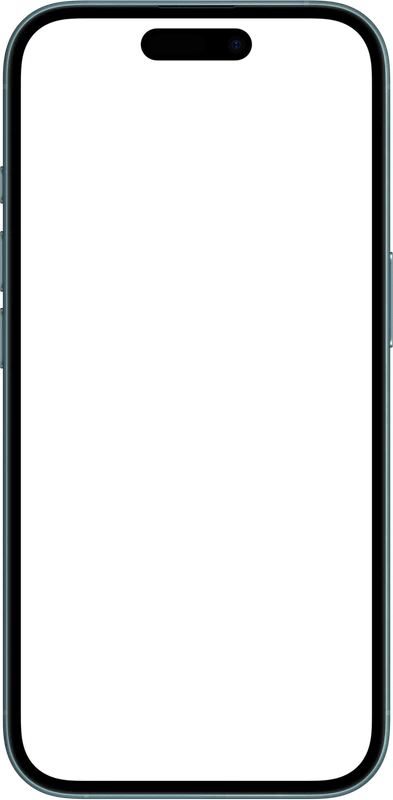
- Front + back
- Record both cameras together.
- Two saved videos
- Rear original + picture-in-picture, both with sound.
- 32 live filters
- Set each camera’s look before recording.
One take. Two keepers.
Keep the scene on its own. Keep yourself in the story. Both videos include your microphone audio.
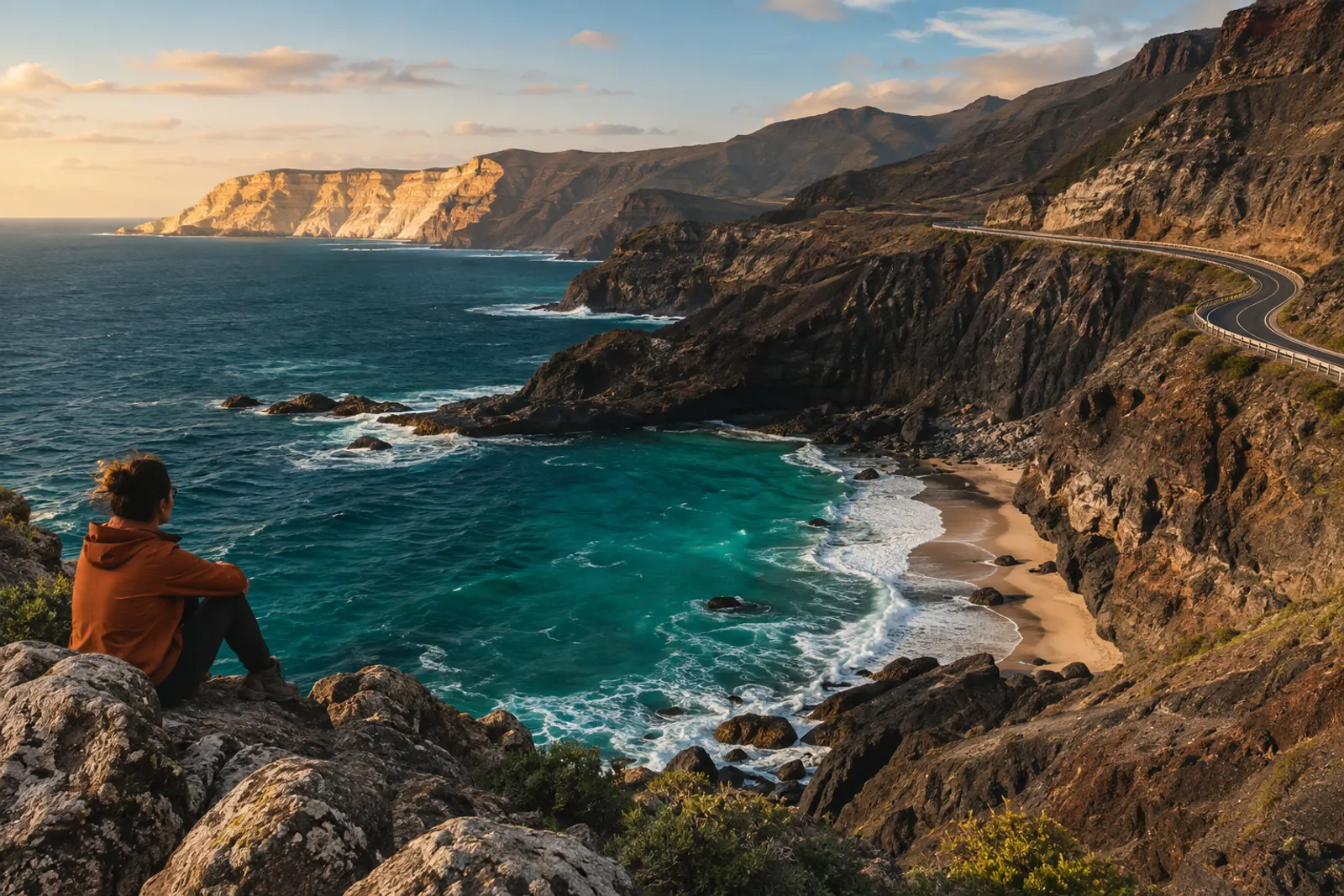
Rear original
The full rear view, in its original colors. Ready to save, share or edit elsewhere.

Picture-in-picture
Your front camera inside the rear view, with the looks you chose before recording.
Composition demo. Illustrative images, not recorded footage.
Find your kind of color.
32 filters, plus Original. Choose and preview a look and intensity for each camera before recording. The selected looks are saved directly into your picture-in-picture video, with no separate color grading needed. Your rear original stays unfiltered.

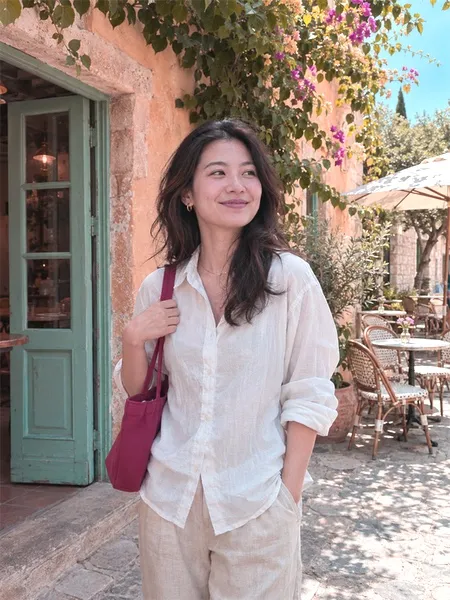
Choose a look to compare
Sample photo processed by ImageJump’s actual filter renderer. Shown at full intensity.
One photo. Twelve ways to reimagine it.
From impasto and watercolor to collage and sculpted relief. Swipe the bottom selector in the app and choose up to three styles.
Style and layout references, not current app-generated results. All 12 are in the app selector; AI generation requires an active service. These are separate from the six on-device filters.
Auto-playing. Swipe to explore.
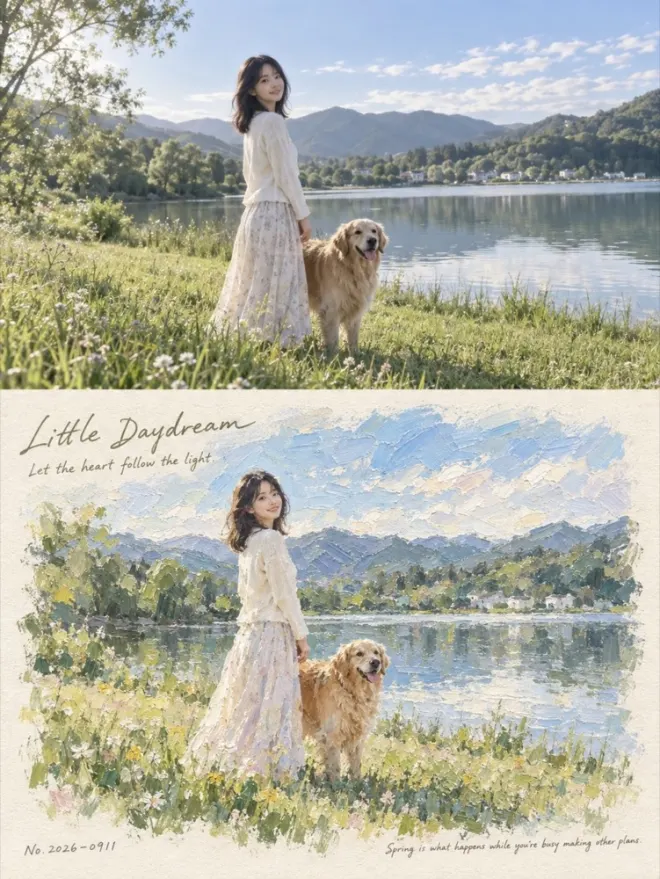
01Impressionist impasto 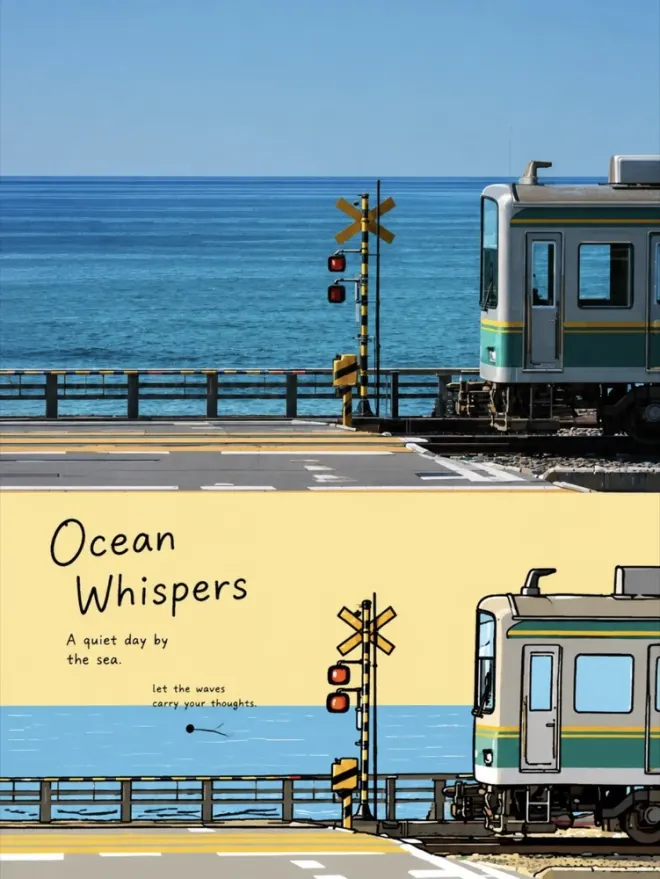
02Korean flat illustration 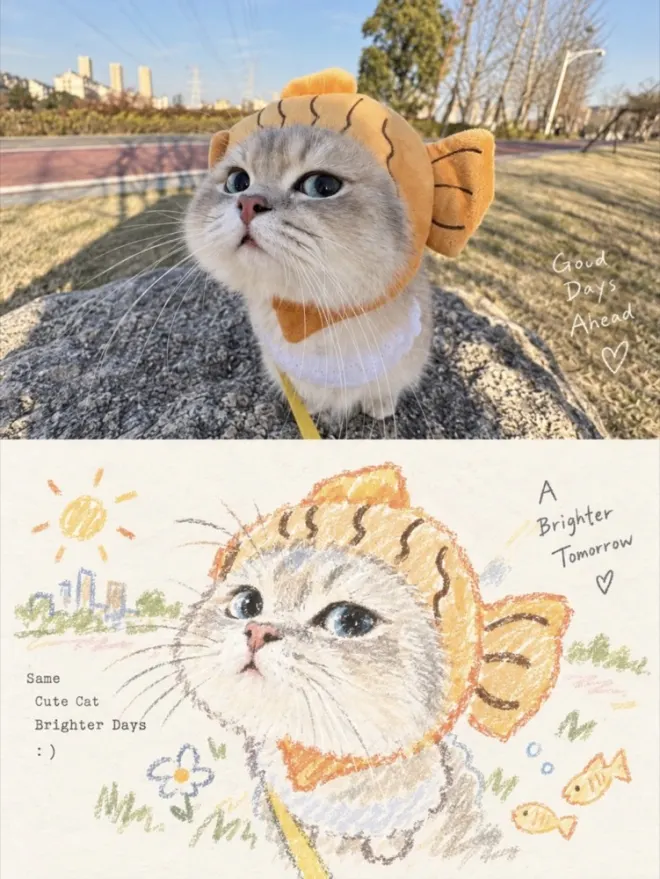
03Pastel crayon 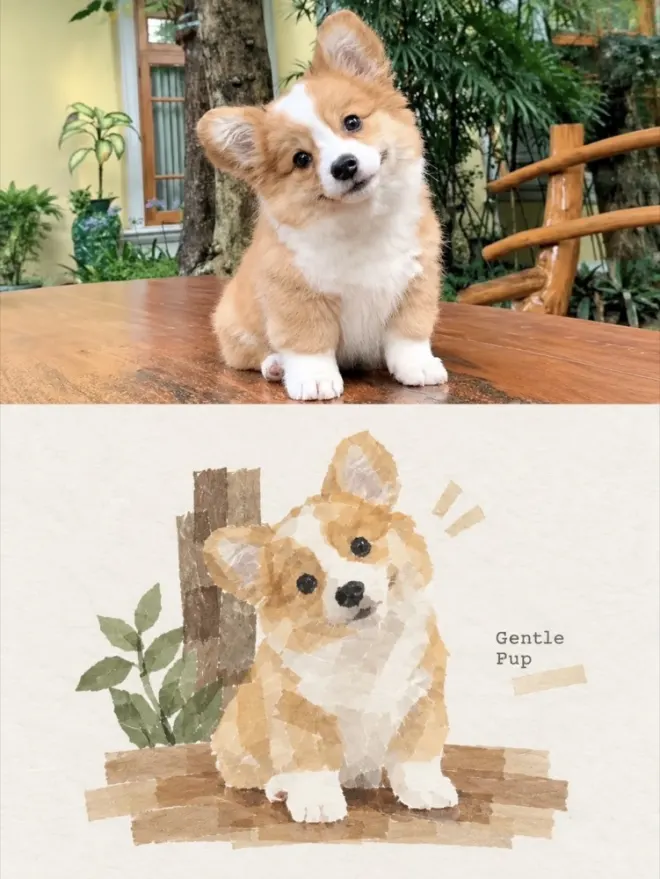
04Washi tape collage 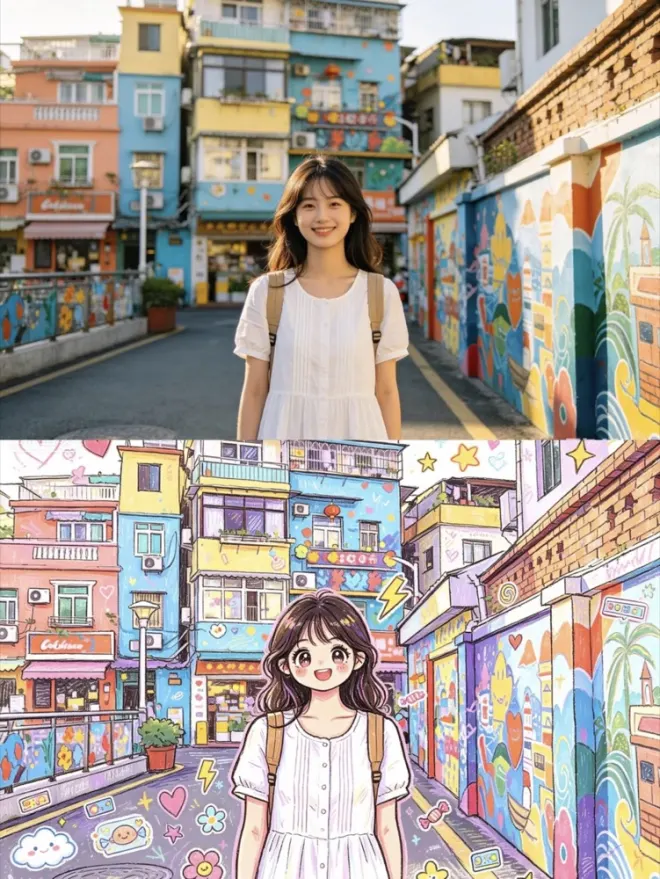
05Playful doodle 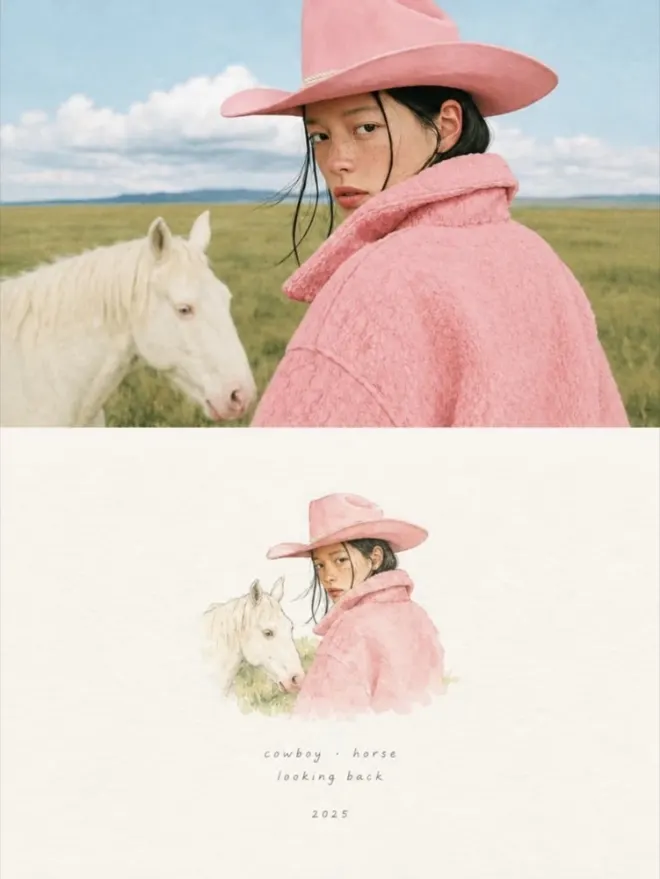
06Japanese watercolor card 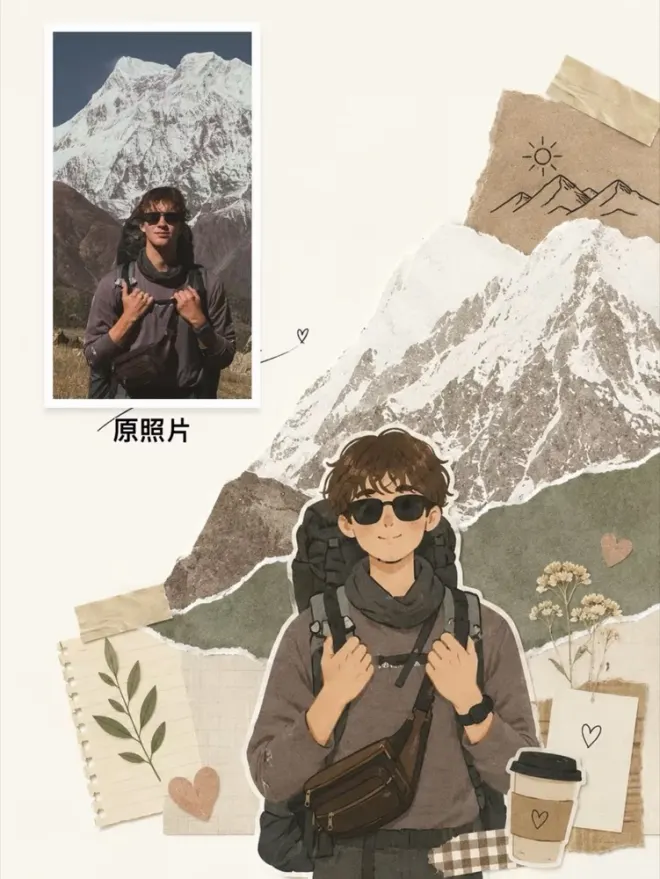
07Magazine collage 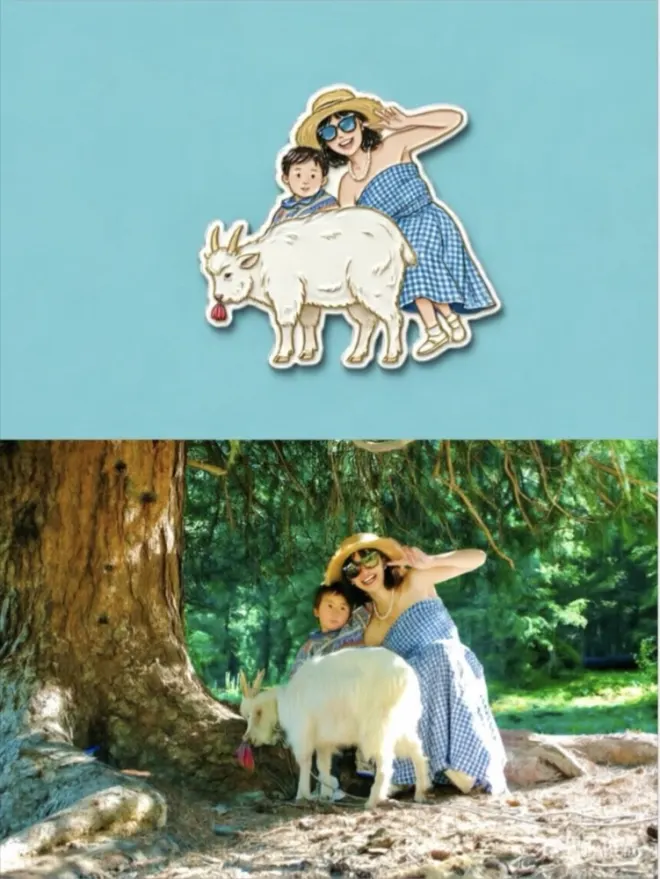
08Sculpted fridge magnet 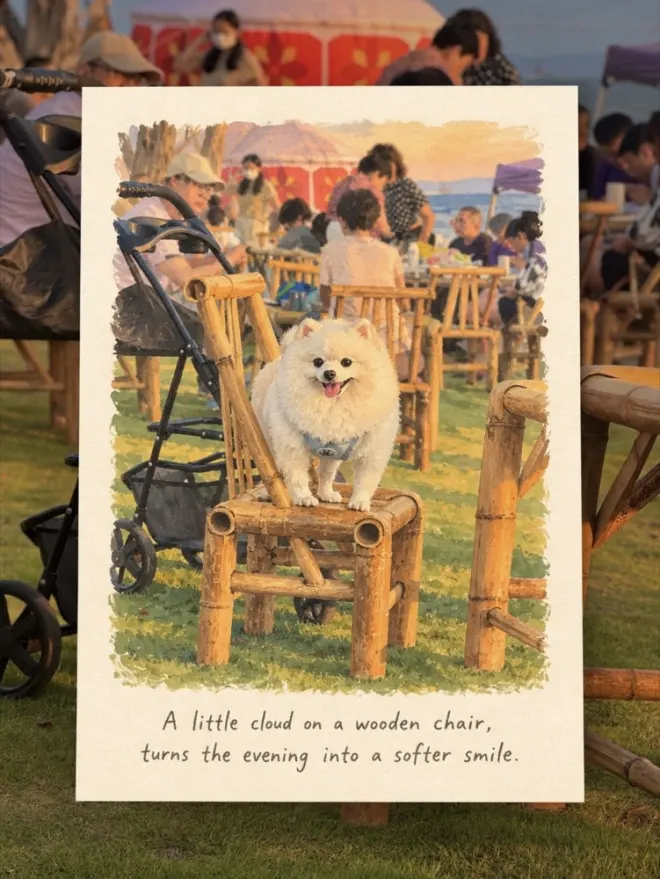
09Hand-drawn travel card 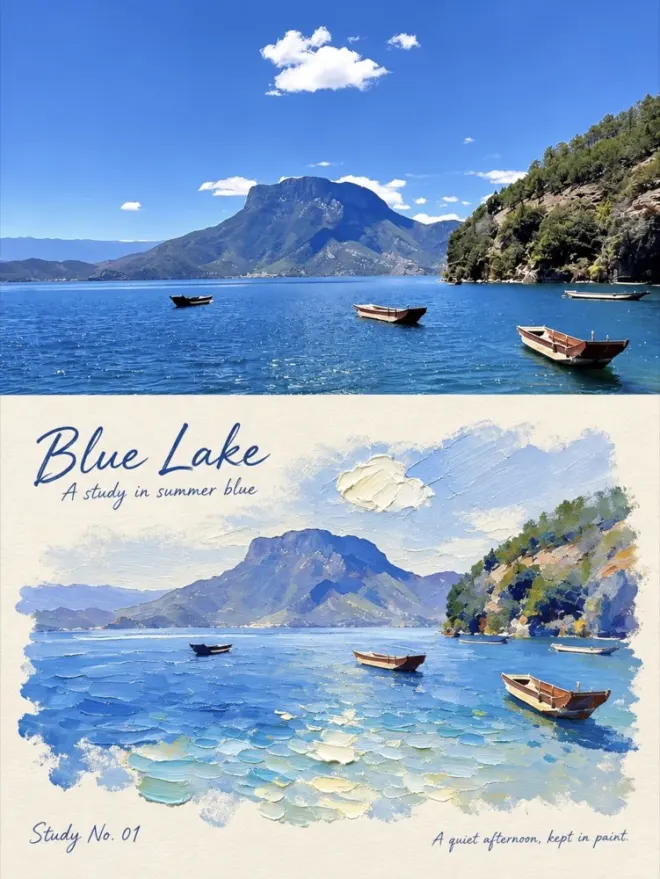
10Palette knife impasto 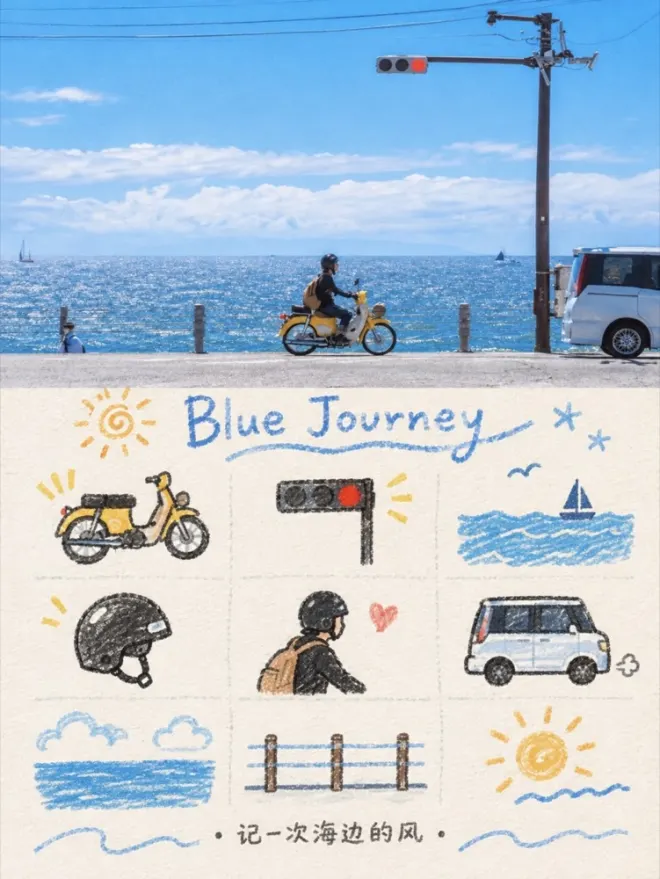
11Nine-frame memory doodle 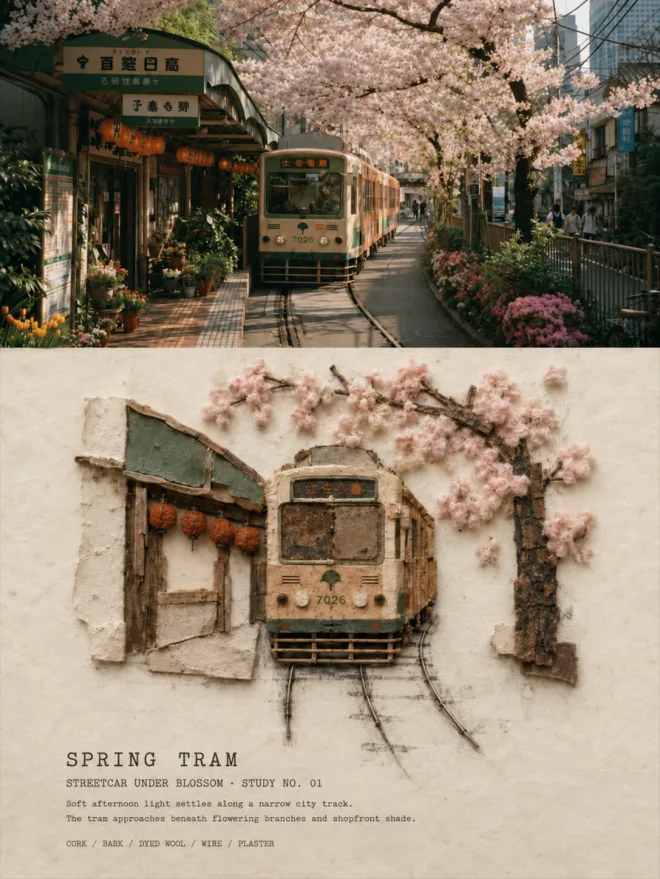
12Vintage architectural relief
Your photo.A different feeling.
Take a photo or bring one from your library. Explore six distinctive photo effects, from a watercolor feel to a vintage postcard, and keep the version you like.
Explore photo stylesSwipe to compare six photo effects
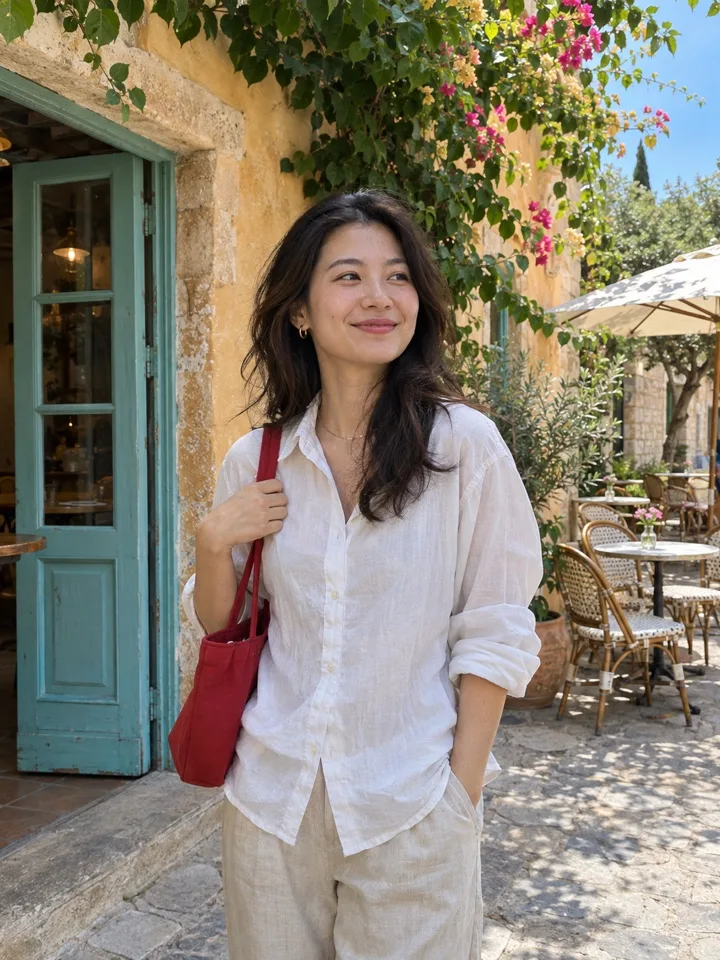

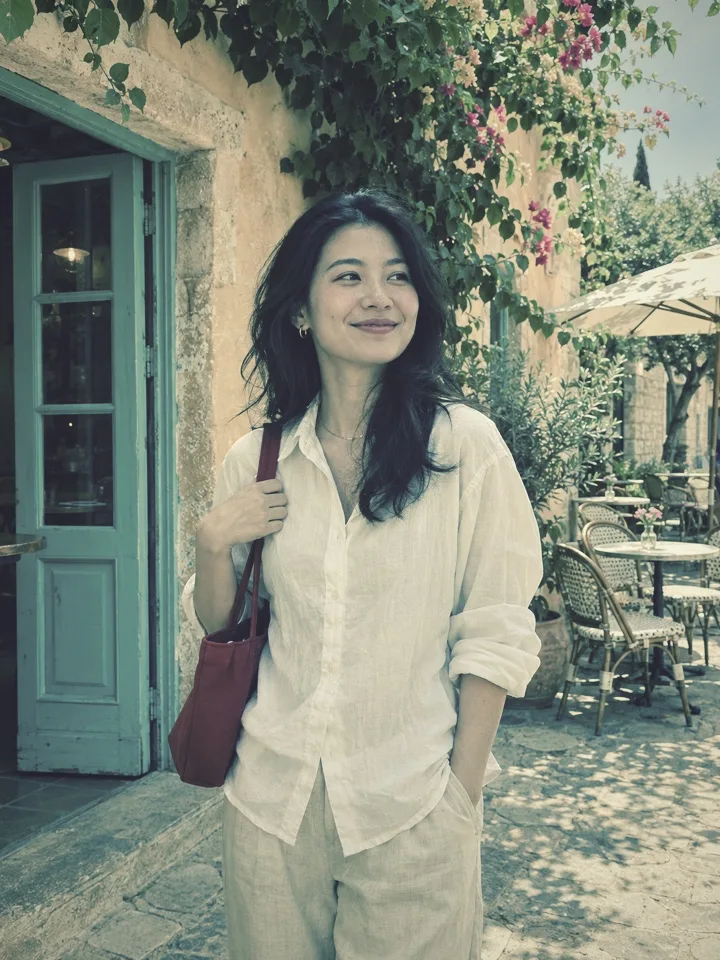
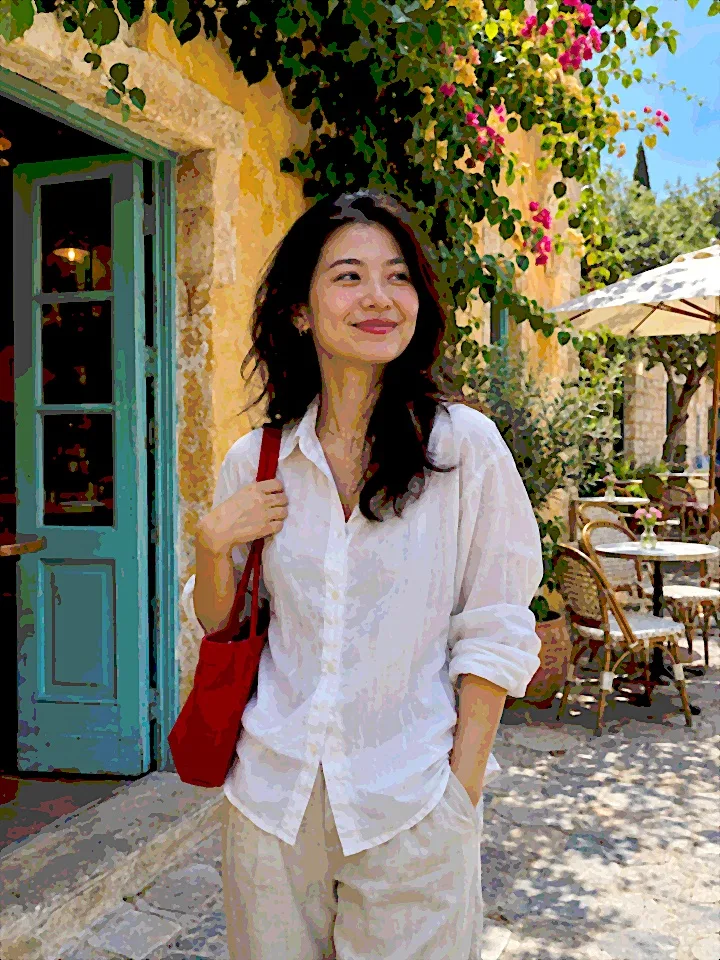
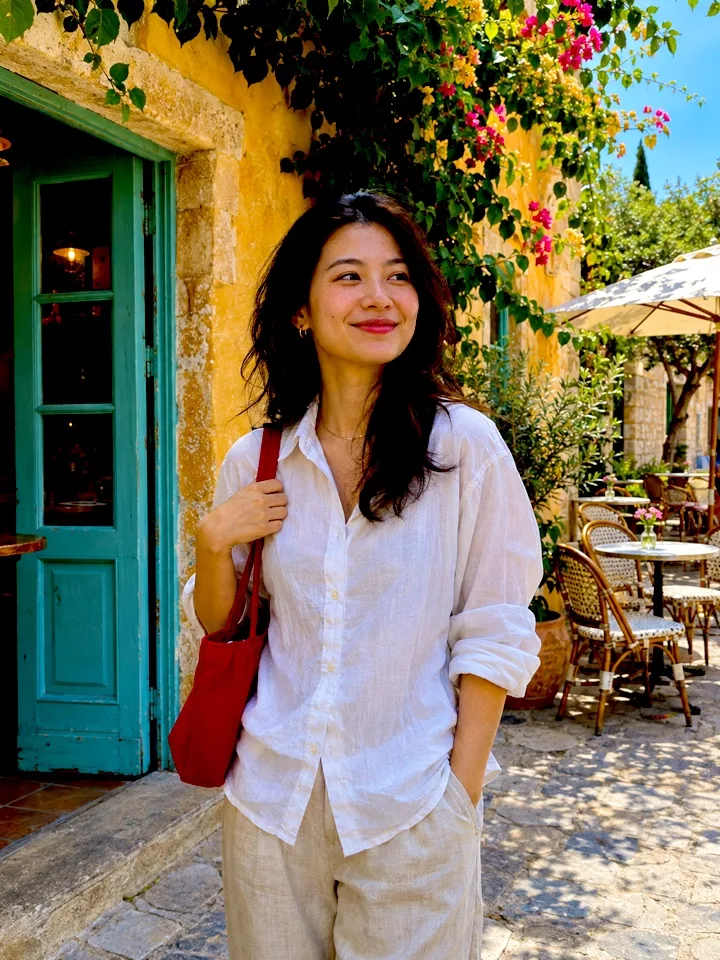
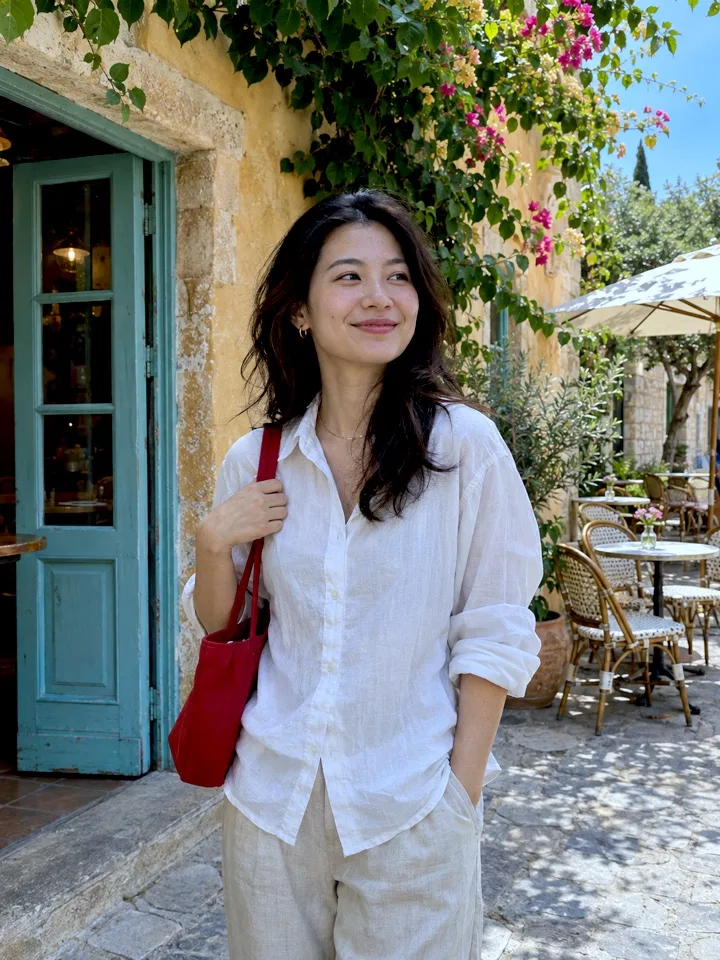

AI-generated sample photo processed with ImageJump’s actual local photo effects. The style effects use on-device processing, not AI redrawing.
Your videos stay with you.
Video processing happens on your iPhone. Save both files to Photos or share them when you choose.
FAQ
Can I download ImageJump now?
ImageJump is in development and is not yet on the App Store. Physical-device capture and sign-in validation are still in progress.
Does dual-camera video work on every iPhone?
No. ImageJump requires iOS 17 or later and an iPhone that supports simultaneous front and rear capture with the required camera combination and formats. The app checks compatibility; the supported model list will be confirmed after physical-device testing.
Do I get a separate front-camera original?
You get two files: a full-frame rear original and a picture-in-picture composite. The front view is embedded in the composite; a separate front-camera original is not currently saved.
Can I change the layout after recording?
Set the selfie-window position, filters and intensity before recording. Those settings are baked into the picture-in-picture video and lock when recording starts.
Does iPhone already have Dual Capture?
Apple offers Dual Capture in the system Camera app on supported models. ImageJump focuses on keeping a rear original alongside a composite, with independent camera looks. See our guide for details.
Do my recordings upload automatically?
No. Video processing and recording storage are on your iPhone. Account sign-in uses a backend. Optional AI photo processing is a separate feature that requires upload consent.
Can I create styled pictures too?
Take a photo or import one in Photo Studio, then apply distinctive local photo styles and save or share the results. Local styles are on-device effects, not AI redrawing. Optional AI art generation is in development and is not yet available.
Can I choose video filters before I film?
Yes. Choose and preview filters and intensity separately for the front and rear views before recording. The looks are saved directly into the picture-in-picture video, so no later color grading is needed for those looks. The rear original stays unfiltered. Settings lock when recording starts.
Do I need to sign in before using the camera?
Yes. Sign in with Apple before opening the camera or Photo Studio. Camera and microphone permissions are requested when needed; saving asks for permission to add to Photos.
New to front-and-back recording?
A new perspective is taking shape.
ImageJump for iPhone is in development. Release and download details will be added here when available.
Feedback
Share an idea, report a problem or get in touch with ImageJump. No account needed.